Best Software to Improve Google Reviews: 2026 Guide
Practical playbook for marketers and local business owners using software to improve Google reviews to drive revenue.
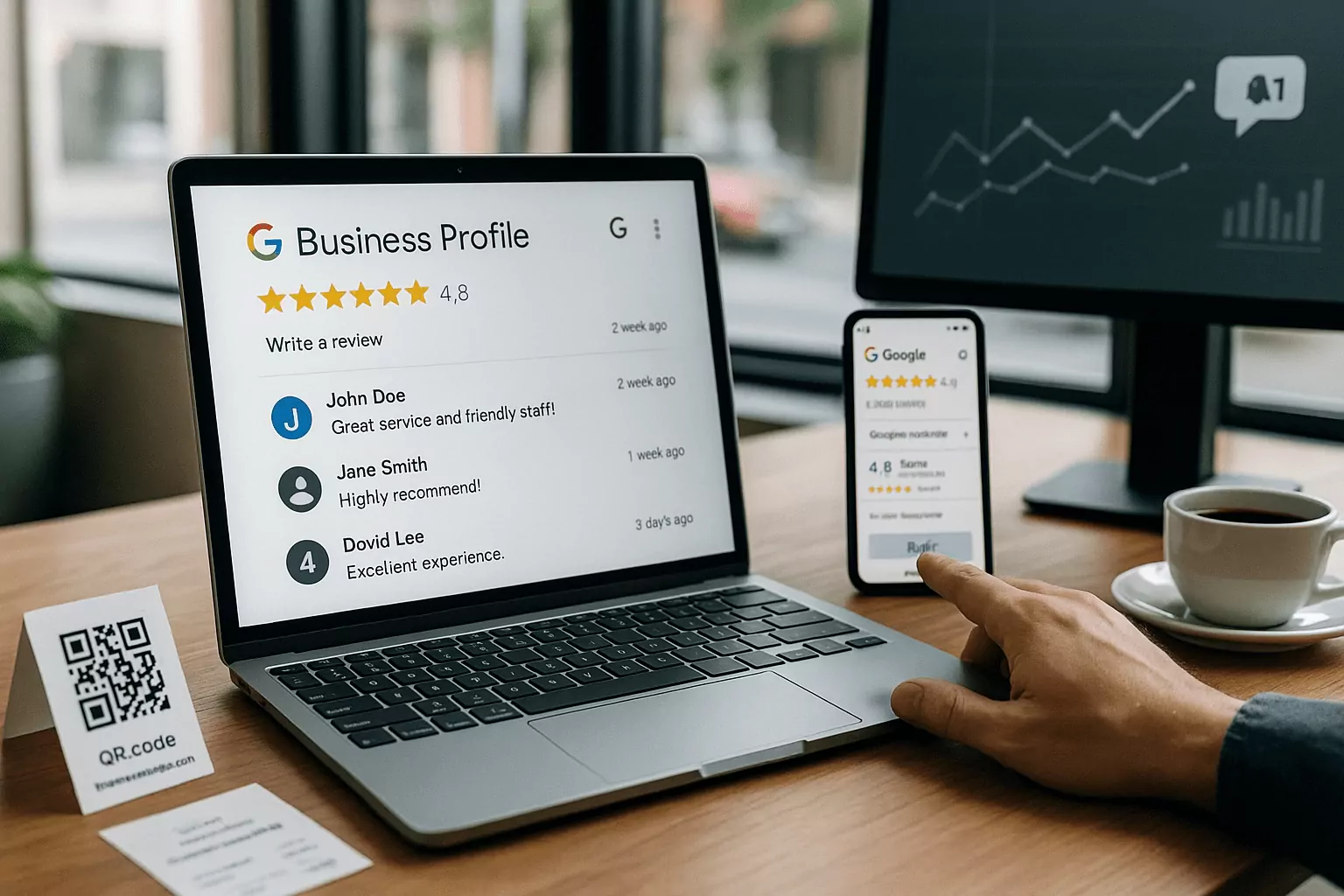
Why Your Business Needs Software to Improve Google Reviews
How software to improve Google reviews boosts local SEO
The right software to improve Google reviews can lift your local search visibility, map pack rankings, and click-through rates. Google weighs factors like star rating, review count, recency, and response activity when surfacing local results. Automating requests increases fresh, authentic feedback, which signals relevance and reliability to nearby searchers. A steady cadence of new reviews also reduces volatility from the occasional negative rating. When your team replies quickly through a unified inbox, it shows active ownership, another trust signal for both algorithms and customers.
Google review management tools make these signals consistent instead of sporadic. They help you capture satisfied but silent customers who rarely leave feedback without a prompt. More balanced input raises the average rating and improves keyword-rich review content that influences discovery. Centralized analytics reveal where requests convert best so you can allocate focus by channel or location. Over time, the compounding effect is simple: better visibility, more qualified traffic, and higher conversion from profile views to inquiries.
From request to response: streamlining the review cycle
Winning with reviews is a cycle: ask at the right moment, route replies to the right person, and respond with speed. Effective systems coordinate SMS, email, and QR codes to meet customers where they are. A branded landing page simplifies the path, while opt-in logic ensures compliance and respect for preferences. When feedback arrives, routing rules assign it to the correct team or location, preventing bottlenecks. Templates keep tone consistent while leaving room for personalization that feels human.
Fast acknowledgment can defuse frustration and turn a potential detractor into a promoter. Positive reviews deserve equal attention, because public gratitude reinforces your culture and invites more praise. Response libraries help frontline teams match brand voice while addressing specifics, not generic platitudes. Escalation paths move complex issues offline without abandoning the public thread. The result is a visible, repeatable loop that protects your reputation and converts browsing into bookings.
Social proof, trust, and conversion gains
Reviews shape perception before prospects ever visit your site. High-quality social proof raises confidence, increases calls, and shortens sales cycles across local search and Maps. Consistent review velocity signals operational health, not just marketing polish. Prospects scan not only ratings but also response quality, noting empathy, speed, and resolution. When those signals align, more people choose you over similar competitors nearby.
Software structures this advantage so it doesn't depend on daily heroics. It spotlights themes in feedback that improve operations and messaging on your Google Business Profile. Featuring standout comments on your site and ads extends the reach of earned proof. Over time, stronger profiles lower acquisition costs by lifting organic discovery. That is why reliable systems for reviews are a growth engine, not a side project.
Must-Have Features and How They Work
Automated asks, smart timing, and review generation tools
Look for review generation software that triggers messages based on real customer milestones. Ideal triggers include purchase completion, appointment checkout, job sign-off, or ticket resolution. Sequenced nudges via SMS and email, spaced thoughtfully, boost conversions without feeling pushy. Smart send windows respect time zones and quiet hours, while throttling protects against sudden volume spikes. Multi-language support and branded short links make the experience familiar and trustworthy.
The best systems test subject lines, timing, and channels to steadily improve request conversion. They also prevent review gating, which violates Google policy and risks penalties. Clear opt-in records and easy opt-out options keep your outreach compliant and customer-friendly. Combine first-party feedback collection with public review prompts to learn privately while earning public proof. Over time, automation turns sporadic asks into predictable, policy-safe outcomes.
Centralized inbox, templates, and reputation management software
Reputation management software should provide a unified inbox for Google reviews across all locations. Role-based access lets regional managers, store leads, and support teams work without stepping on each other. Templates accelerate responses while guardrails maintain brand voice and accuracy. Sentiment analysis flags urgent issues and routes them with SLAs to reduce resolution time. Bulk actions help you thank promoters efficiently while focusing effort where it matters most.
Collaboration tools assign owners, add internal notes, and track outcomes, keeping context intact. Saved snippets reduce repetitive typing yet encourage thoughtful personalization in each reply. Performance dashboards highlight response time, response rate, and outcomes from escalations. Together, these features keep the conversation moving and publicly demonstrate accountability. That visibility builds trust with prospects who read reviews before choosing a provider.
Analytics, alerts, and Google Business Profile integrations
Serious platforms track volume, rating trends, keyword themes, and response metrics in one place. Real-time alerts notify teams when low ratings arrive so you can act before they spread. Location benchmarking shows which stores or reps need coaching and where playbooks are working. Topic insights surface product or service issues you can fix to prevent repeat complaints. Exportable reports make it easy to brief leaders and align investments with outcomes.
Deep integrations with your Google Business Profile (formerly managed via a Google My Business review tool) streamline publishing and data sync. Webhooks and APIs connect your CRM, POS, and help desk to automate triggers and logging. UTM parameters and call tracking tie improved profiles to real pipeline and revenue. Audit logs keep compliance tight across multi-location teams and agencies. With these connections, reviews become an accountable, measurable growth channel.
Implementation Playbook for Teams
Mapping triggers and customer journeys for ethical outreach
Start by mapping every moment a customer finishes a meaningful interaction with your business. Pick the points where satisfaction is highest and attention is fresh, such as checkout or service completion. Connect those events to automated, permission-based requests that feel natural and expected. Keep the path short with one tap to your Google review form from mobile-friendly messages. For in-person flows, QR codes on receipts, packaging, or signage make participation easy.
Document consent and honor preferences to protect trust and avoid policy friction. Avoid any language or logic that screens customers before they can review publicly. Provide a private channel for sensitive feedback so you can fix issues without silencing voices. Test timing to find the sweet spot between immediacy and interruption. Review your flows quarterly to reflect new services, seasonality, and operational shifts.
Templates, compliance, and tone for high-quality feedback
Effective request copy is short, specific, and appreciative, written in your brand voice. Reference the exact service or product to jog memory and make leaving a review feel personal. Thank the customer, state the ask plainly, and provide one clear call to action. Rotate a few variations to prevent fatigue and learn what resonates across segments. Customer feedback software can automate this rotation and report on conversion by template.
For responses, match the customer's tone while staying professional and solution-oriented. Personalize with names, details, and concrete next steps for issues that need fixing. Thank promoters with sincerity and mention specifics to avoid sounding canned. Keep private data out of public replies and move sensitive threads to secure channels quickly. Establish and train on a compliance checklist so the whole team stays aligned.
Training teams to act fast with the right metrics
Set targets for response time, response rate, average rating, and review velocity by location. Track keyword themes in reviews to inform product, service, and staffing decisions. Coach teams to prioritize critical issues first while thanking promoters within 24 hours. Use weekly stand-ups to review wins, misses, and upcoming experiments with timing or templates. Publish simple playbooks so new hires can contribute confidently from day one.
Make metrics visible on dashboards and celebrate improvements publicly to reinforce good habits. Tie goals to incentives that reward consistency, not just one-off heroics. Rotate ownership so coverage persists during vacations and peak periods. Share standout responses and debrief tough cases to keep learning active. When teams know what good looks like, they deliver it faster and more often.
Frequently Asked Questions
Which businesses benefit most from software to improve Google reviews?
Any local or multi-location business that acquires customers through search and maps benefits quickly. Restaurants, retailers, home services, healthcare, auto, and hospitality see clear gains from better profiles and faster replies. Service-led brands with repeat visits multiply impact because each interaction can trigger ethical asks. Multi-location brands gain consistency and visibility through centralized controls and benchmarking. Agencies supporting SMBs also benefit by standardizing outreach and reporting across clients. If prospects compare options on Google before contacting you, review software is a force multiplier.
Is it against policy to request reviews with automation?
Requesting reviews is allowed when it's honest, unbiased, and respects user choice. What violates policy is gating, where only happy customers are funneled to public reviews while others are diverted. Incentives like discounts or gifts in exchange for reviews are also prohibited and risky. Good platforms build compliance with clear opt-in, easy opt-out, and no screening based on sentiment. Reputation management software should include policy reminders and audits to keep teams aligned. Follow these guidelines and your outreach will be both effective and safe.
How long until I see results after rolling out review tools?
Most teams see early movement within two to four weeks as automated requests start landing. Expect a sharper uptick after you refine timing, templates, and channel mix through testing. Multi-location rollouts may take a full quarter to standardize training and achieve steady cadence. Results compound as fresh reviews lift visibility, which drives more traffic and more opportunities for feedback. Tracking dashboards will show conversion by trigger, channel, and location so you can reallocate effort. With disciplined execution, measurable gains in rating, volume, and response time arrive predictably.