Best Software for Acquiring Google Reviews: Top Picks
Practical tools and workflows for agencies and local businesses to request, manage, and grow authentic Google reviews.
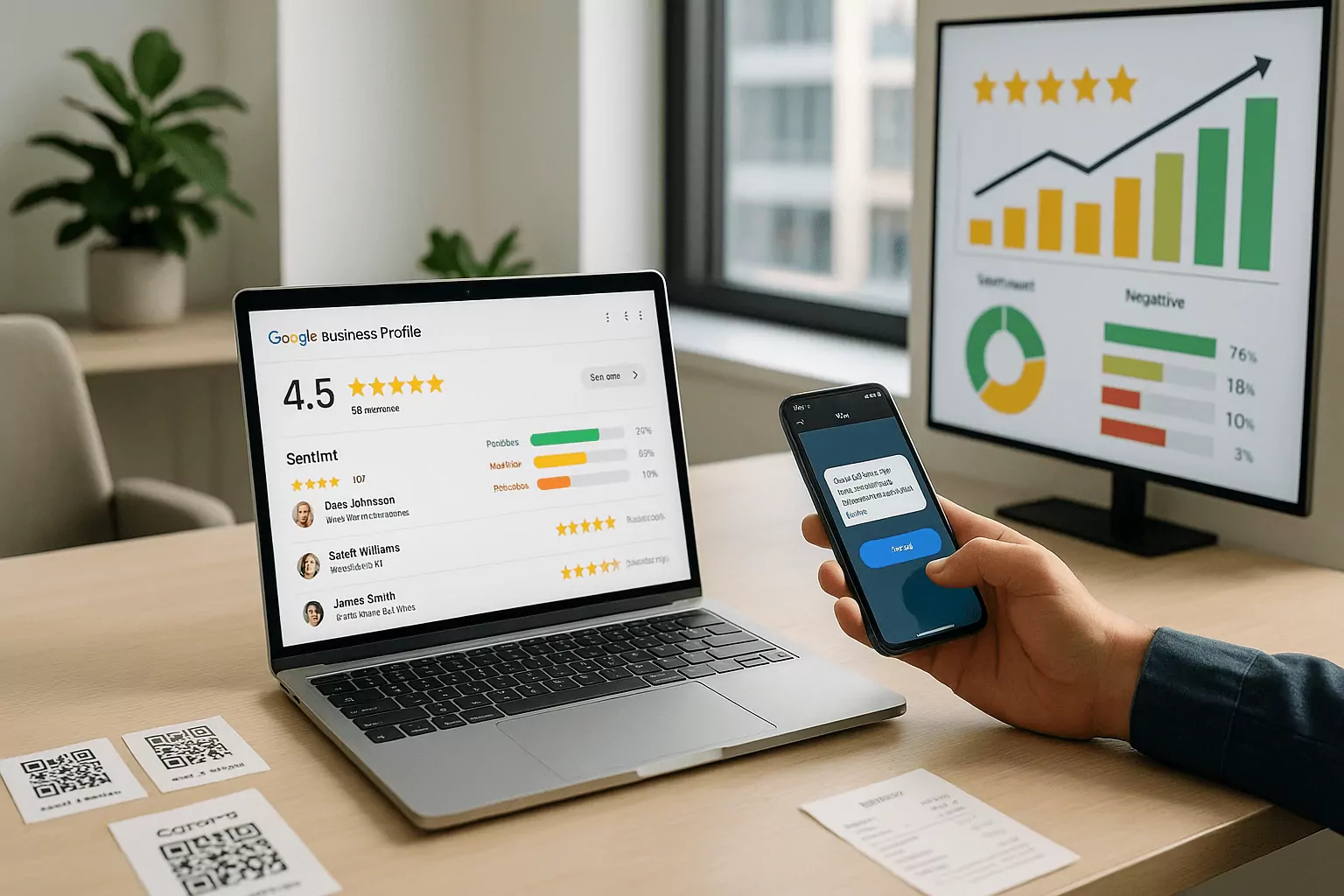
Why Google Reviews Matter for Revenue and Rankings
Direct Impact on Local Pack Visibility
When evaluating the best software for acquiring Google reviews, start by understanding why reviews influence local visibility so strongly. Google weighs prominence, relevance, and distance, and reviews fuel at least two of those signals. High average ratings, fresh review velocity, and detailed text improve your chance of entering the local pack. Strong profiles also earn rich snippets that pull clicks away from competitors. The right Google review management tools help you steadily build these assets without manual sprawl.
Review content also acts like keyword-rich microcontent that confirms service scope and location cues. Consistent feedback about specific services or neighborhoods can strengthen topical relevance. A steady cadence of new reviews signals active operations and current customer satisfaction. Tools that time requests after real milestones keep freshness high without spamming. Together, these patterns tell Google you are trusted and locally authoritative.
Conversion Power of Social Proof
Stars are shorthand for trust, and more quality reviews lower buyer anxiety at every step. Prospects compare options, skim recent comments, and decide who earns their first call. Strong profiles raise click-through rates from maps and search, which compounds visibility over time. On your site, embedded reviews and badges reinforce credibility near calls to action. A review generation platform turns happy moments into persuasive proof across channels.
Reviews also guide on-page optimization and messaging choices. Repeated praise for speed, friendliness, or outcomes reveals what to headline. Screenshots and quote blocks from verified customers increase micro-conversions like form starts and chats. For price-sensitive buyers, rich feedback justifies value beyond a number. The best software makes capturing and showcasing this proof effortless.
Operational Insights from Customer Feedback
Reviews double as a real-time voice-of-customer stream that exposes friction and delight. Tagging themes like wait time, communication, or workmanship turns anecdotes into trend lines. Reputation management software can route urgent issues for fast recovery before problems spread. Teams learn which locations, services, or reps consistently drive five-star outcomes. These insights inform training, staffing, and product decisions with measurable ROI.
Closed-loop follow-up shows customers you listen and care, which itself earns goodwill. Public responses that acknowledge and resolve issues demonstrate accountability. Private outreach can convert a near-miss into a retained customer and future advocate. Over time, improved operations raise review quality and quantity organically. Customer feedback automation keeps this cycle humming without adding admin burden.
Criteria for the Best Software for Acquiring Google Reviews
Best Software for Acquiring Google Reviews: Request and Automation
Acquisition hinges on frictionless review request tools and smart timing. Look for multi-channel options like SMS, email, WhatsApp, QR codes, and short links tied to real events. One-tap deep links to your Google Business Profile reduce drop-off dramatically. Personalization that references the service, date, or rep makes requests feel natural and earned. A/B testing on copy, timing, and cadence prevents fatigue and optimizes response rates.
Automation should follow your customer journey, not a one-size-fits-all blast. Trigger flows after invoices are paid, tickets are closed, or appointments are marked complete. Throttle logic avoids over-messaging households or repeat buyers within a window. Fallbacks like email after an undelivered SMS salvage missed chances. The best workflows are transparent, editable, and easy for non-technical teams to maintain.
Integrations, Analytics, and Reporting
Reliable integrations connect your CRM, POS, EHR, or booking system so requests align with real activities. Native apps, secure OAuth, and webhooks reduce IT effort and data drift. Role-based permissions and audit logs protect customer data while keeping teams productive. Flexible exports and APIs let you share wins to BI tools and dashboards. Strong integration keeps review operations honest, scalable, and provable.
Analytics should answer which channels, messages, and teams drive results. Track request-to-review conversion, time to first review, and monthly review velocity by location. Tie ratings to revenue cohorts to quantify lifetime value lift from social proof. Tag sentiment and themes to map operational fixes to rating improvements. Clear reporting elevates reviews from a side task to a growth lever.
Compliance, Filters, and Anti-Gating Safeguards
Google forbids review gating and incentives, so your process must collect feedback fairly. Avoid pre-surveys that funnel only happy customers to Google while diverting others elsewhere. Make it easy for every customer to share a public review regardless of sentiment. Keep moderation limited to removing PII and policy violations, not unfavorable opinions. Clear compliance protects trust and prevents profile penalties.
Choose platforms that embed policy guardrails into everyday workflows. Look for disclosures, consent capture, and language that never nudges sentiment. Audit trails should show who sent requests and when to satisfy internal reviews. Balanced routing ensures all customers receive the same review path by default. These features preserve authentic feedback and long-term ranking strength.
Choosing the Best Software for Acquiring Google Reviews
AllâinâOne Reputation Management Software
Full-suite platforms fit agencies, franchises, and multi-location brands that need central control. They combine outreach, inboxes, response templates, and publishable widgets in one place. Teams can manage Google, Facebook, and industry sites together for broader coverage. Central governance with location-level autonomy balances speed and consistency. For complex orgs, this category offers the most durable foundation.
Costs are higher, but savings come from fewer tools and fewer manual hours. Enterprise options add SSO, advanced permissions, and SOC 2 for security teams. Built-in competitive insights show how your ratings stack up locally and by category. Many include social listening to catch untagged mentions that affect perception. In short, reputation management software here trades simplicity for scale and depth.
Lightweight Review Generation Platforms
Lean tools focus on fast, elegant review collection with minimal setup. They emphasize SMS-first flows, short links, and QR codes at key touchpoints. Pricing is accessible for solo operators and small teams on tight budgets. Interfaces stay simple so staff can run campaigns without training. If you want speed to value, this lane delivers quickly.
The trade-off is fewer enterprise controls and limited analytics depth. As you scale, you may outgrow templates and need deeper integrations. Many vendors offer upgrade paths or easy export so you can migrate cleanly. Think of these as an on-ramp to disciplined review operations. A focused review generation platform can still outperform patchwork DIY efforts.
CRMâCentric Customer Feedback Automation
Data-driven teams often anchor review ops in the CRM or lifecycle platform. Event and attribute data trigger messages precisely when satisfaction peaks. This approach unifies review requests with post-purchase emails, referrals, and upsells. You can personalize by product, plan tier, or lifecycle stage at scale. The result is high relevance and efficient sends with minimal waste.
However, CRM setups demand clean data and ongoing admin muscle. You will rely on APIs, webhooks, and workflows that need care and feeding. Governance becomes critical so sales or service changes do not break review flows. For mature stacks, the control is worth it and deeply measurable. Customer feedback automation here pairs perfectly with existing segmentation and testing.
Frequently Asked Questions
What metrics prove the best software for acquiring Google reviews is working?
Focus first on request-to-review conversion rate by channel and campaign. Track monthly review velocity and average rating, but also the share of detailed, keyword-rich comments. Monitor response time and resolution rate to ensure quality rises with quantity. Compare performance by location, service line, and representative to spot coaching opportunities. Tie ratings to lead volume, close rates, and revenue to show material impact. Mature teams also measure sentiment trends and theme tags for operational insight.
Is it okay to ask customers for Google reviews, and what are the rules?
Yes, you can ask any customer for a review as long as you do not gate or incentivize. Do not pre-screen sentiment, offer discounts, or only route happy customers to Google. Make the path equal for everyone and keep your language neutral and respectful. Provide clear opt-out options and avoid excessive reminders that feel pushy. Use Google review management tools that enforce these rules by default. Document consent and maintain an audit trail to satisfy internal policies.
How can I switch platforms without losing momentum or data?
Start by exporting contacts, conversation history, tags, and any review widgets you plan to reuse. Rebuild key automation triggers in the new system and test each path end to end. Warm up with a small cohort to validate deliverability, links, and timing before full rollout. Redirect QR codes and short links so printed materials still work in the field. Keep both tools running briefly to avoid gaps, then deprecate the legacy flows cleanly. Communicate the change to teams and update playbooks, templates, and training.