Best Customer Feedback Software for Google Reviews
Practical guidance for local businesses choosing customer feedback software for Google reviews to automate requests and boost ratings.
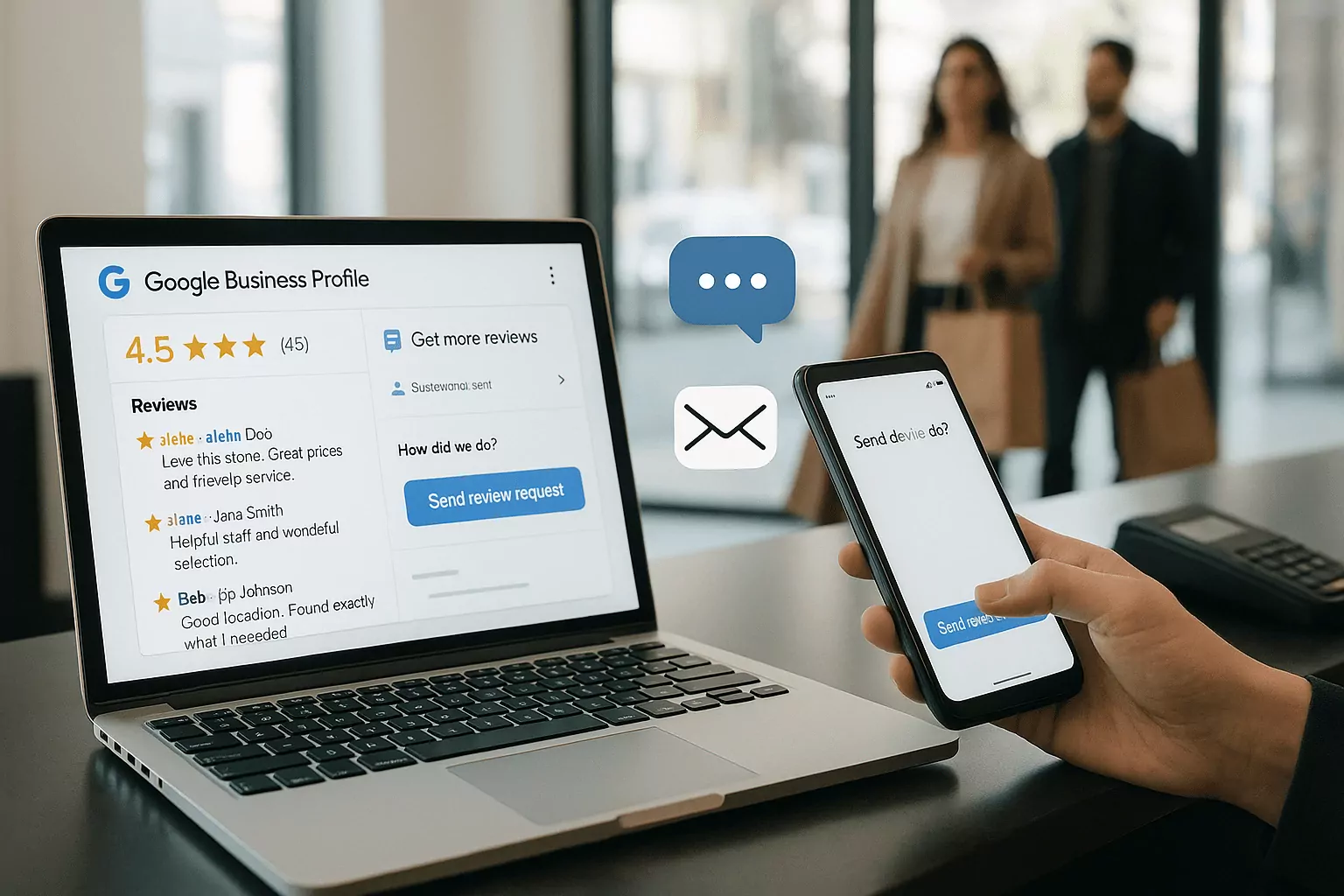
Why Google Reviews Drive Local Growth
The revenue impact of star ratings
With customer feedback software for Google reviews, local businesses convert more searches into sales because social proof appears exactly when buyers decide. Even a small lift in average star rating can significantly improve click-through rates and calls from Maps. Consistent review volume signals health and reliability, reducing buyer friction at the moment of need. Strong profiles also influence where you show up in the local pack, compounding visibility and trust. The right workflow ensures satisfied customers share their experience quickly, keeping ratings fresh and relevant.
Behind the scenes, google review management software streamlines how requests are triggered, tracked, and attributed to revenue. It aligns teams around a measurable online reputation management program, rather than sporadic, manual asks. By centralizing templates, timing, and channels, you replace guesswork with tested sequences that drive action. That discipline turns warm intent into measurable bookings, form fills, and foot traffic. The result is a repeatable engine for growth that scales with your locations and staff changes.
Trust signals that shape click-through
Buyers scan the average rating first, then the recency and relevance of content, and finally the quality of owner responses. A customer feedback platform helps you curate this story by prompting detailed, service-specific feedback. It also routes issues privately when appropriate, encouraging candid input without public escalation. Structured workflows ensure you reply promptly and professionally, reinforcing accountability and care. As trust accumulates, buyers feel safe to choose you over lookalike competitors.
Tools that act as a google my business review tool surface photo reviews, keywords, and attributes that influence shopper behavior. Highlighting real names, locations, and context-rich details makes your profile read authentically. Filtering and tagging let you showcase themes like speed, friendliness, or expertise across locations. When prospects see their priorities reflected in recent comments, they click and convert faster. These trust cues compound with sustained online reputation management to create durable advantages.
How responses and recency influence ranking
Google rewards businesses that maintain active, high-quality profiles, and timely responses are part of that signal. Fresh reviews indicate ongoing demand and consistent service, which helps algorithms and humans alike. Your cadence should balance quality with volume so feedback never looks forced or sporadic. Smart schedules nudge customers right after peak satisfaction moments and again at gentle intervals. Over time, consistent activity improves rank position and insulates you from one-off negative reviews.
Response quality matters; acknowledge specifics, reference details, and offer next steps where needed. Templates inside google review management software keep tone on-brand while allowing personalization. Negative feedback becomes an opportunity to model professionalism and resolve issues publicly. Pair this with internal alerts to escalate sensitive cases before they spread. Together, these practices turn recency and responsiveness into a competitive moat.
Features That Matter in Customer Feedback Software
Must-have automation in customer feedback software for Google reviews
Review request automation should trigger from completed jobs, pickups, or checkouts without manual work. Look for multi-channel delivery via SMS, email, and QR codes to meet customers where they are. Sequenced reminders with respectful spacing increase completion without feeling pushy. Language variants, dynamic fields, and service-specific prompts produce richer, more helpful reviews. A/B testing send times and templates lets you compound gains month after month.
Advanced systems queue follow-ups that pause if someone already left feedback, preventing over-messaging. They also capture intent signals, such as NPS, to route detractors to private support. This protects compliance while preserving the chance to fix issues before they go public. Strong review request automation pairs with reporting that attributes reviews to campaigns, staff, or locations. Those insights guide training and investment to the channels that perform best.
Integrations and data flow you can't skip
Great systems connect to your CRM, POS, booking, or ticketing stack so requests fire at the right moments. Native Google integrations and a robust google my business review tool ensure posts and replies sync reliably. Webhooks and APIs let you tailor events, statuses, and tags to your workflow. SSO, role-based access, and audit logs keep control tight as teams scale. When data flows both ways, your customer feedback platform becomes a strategic hub, not a silo.
Syncing customer attributes enables segmentation by product, service, or lifecycle stage. That precision lifts conversion and reduces opt-outs because asks feel timely and relevant. Attribution links reviews back to specific campaigns, teams, or locations for honest performance comparisons. With clean data, you can forecast review velocity and anticipate resource needs for peak seasons. It's the difference between reactive outreach and a predictable operating rhythm.
Compliance, permissions, and review policy safeguards
Google forbids review gating, and your software should make compliant workflows the default. Clear opt-in language, frequency caps, and easy unsubscribes protect your list and brand. Centralized permissions prevent unauthorized edits and ensure consistent response standards. Audit trails document who sent what and when, which is critical for regulated industries. Combined, these controls uphold trust while keeping you safely on the right side of policy.
Look for features that flag risky language, filter personal data, and route legal escalations. Templates should reference policies without sounding canned or evasive. Training modules embedded in the platform keep new hires aligned from day one. Pair governance with transparent reporting that surfaces exceptions before they become trends. Compliance done well fades into the background while your online reputation management shines.
Implementation Playbook for Fast Wins
Set up templates, timing, and segmentation
Begin with two or three high-quality templates tuned for tone, length, and clarity. Reference the service performed and invite specifics to encourage keyword-rich reviews. Segment by location and service type so messages speak directly to each customer's experience. Schedule the first request within hours of fulfillment and a single reminder a few days later. Test SMS first for speed, then layer email, keeping review request automation respectful and concise.
Use dynamic fields to personalize names, staff, and job details without extra work. For multi-location brands, localize sender names and contact info to build familiarity. Maintain a clean send list by excluding repeat requests within short windows. In parallel, craft internal guidelines on when to ask in person versus letting automation handle it. Together, these steps create momentum while preserving customer goodwill.
Train teams and close the loop on feedback
Explain why reviews matter, how the software works, and what good outreach sounds like. Role-play quick, natural asks at checkout, on-site, or post-visit to complement automation. Establish SLAs for responding to new reviews and routing sensitive cases. Provide response libraries that staff can personalize while staying on-brand. Celebrate wins and spotlight examples that model the voice you want to project.
Create an escalation map for low-star feedback that includes contact method, owner, and timeline. Use tags to classify themes like wait time, quality, or pricing so patterns surface fast. Weekly huddles should review trends and assign fixes, turning insights into action. As issues shrink, highlight improvements publicly in owner responses where appropriate. This habit transforms feedback into operational excellence customers can feel.
Measure ROI with the right metrics
Track review volume, average rating, response time, and recency to gauge health. Layer in click-to-call, direction requests, and website conversions to connect impact to revenue. Use UTM parameters in links inside profiles to attribute traffic cleanly. Compare locations and teams fairly with normalized baselines and seasonality notes. Dashboards in your customer feedback platform should surface both wins and blind spots.
Fold these insights into quarterly planning alongside online reputation management goals. If one template outperforms, roll it out and test against a new challenger. Monitor opt-out rates to keep outreach respectful while sustaining velocity. Tie incentives to leading indicators like review volume and response SLAs, not just star averages. Over time, your measurement cadence becomes the engine of continuous improvement.
Use Cases and Real-World Scenarios
Multi-location retailers using a customer feedback platform
Retail brands juggle high foot traffic, rotating staff, and seasonal peaks, making automation essential. Central controls keep messaging consistent while allowing local customization where it counts. Location dashboards benchmark peers, turning friendly competition into steady gains. Store associates can trigger requests via POS events without extra steps at the register. With clean flows, reviews stay fresh even during busy weekends and holidays.
Regional managers use google review management software to spot coaching needs and celebrate standouts. Localized response libraries help teams recognize frequent shoppers and neighborhood nuances. Integrations reduce manual effort, freeing staff to focus on customers, not copy-paste tasks. As review velocity rises, map pack positions typically stabilize at higher ranks. That stability translates into predictable traffic and more efficient staffing.
Service businesses and field teams
Home services, healthcare, and automotive rely on technicians and front-desk teams to set the tone. QR codes on invoices, SMS after job completion, and cards with short URLs make it easy. Sequenced reminders respect busy schedules while nudging within peak satisfaction windows. Photos and before/after details in reviews educate prospects on scope and quality. Responses from named managers humanize the brand and reinforce accountability.
Using a google my business review tool alongside scheduling software ensures timing aligns with real job status. Field staff can trigger sends from mobile apps without exposing personal numbers. Centralized oversight prevents duplicate requests when multiple teams touch the same customer. Over time, patterns in tags guide investments in training, tools, and staffing. This tight loop turns each finished job into social proof that fuels the next booking.
Choosing customer feedback software for Google reviews in B2B
B2B cycles are longer, stakeholders are many, and feedback often spans multiple milestones. Pair public reviews with private surveys to capture depth without overwhelming buyers. Request reviews after successful onboarding, project phases, or renewal moments when value is clear. Customer stories and detailed comments help prospects trust complex, high-ticket decisions. Clear permissions and approvals keep messaging professional and compliant.
Integrate review asks into customer success playbooks and renewal workflows. Use online reputation management dashboards to correlate feedback with pipeline velocity and close rates. For sensitive accounts, offer to draft suggested talking points clients can adapt in their own words. Maintain authenticity; never incentivize or gate reviews, and address concerns openly. Done well, public proof accelerates deals while private insights strengthen retention.
Frequently Asked Questions
Is review gating allowed on Google?
No, review gating is against Google's policy, and any reputable platform should prevent it by design. Gating means only asking happy customers to review while filtering out unhappy ones, which skews authenticity. Instead, route detractors to private support while still allowing them to leave public feedback if they choose. Use respectful timing, clear opt-ins, and neutral language that invites honest experiences. Consistency, not suppression, builds durable trust and protects visibility. Violations risk removal of reviews or account penalties, undermining long-term growth.
How often should we request Google reviews?
Send the first request within hours of service completion while the experience is top-of-mind. If there's no response, one polite reminder after two to three days typically performs best. Avoid more than two outreach attempts per service to respect customers and reduce opt-outs. For recurring services, wait at least 30 to 60 days before asking again unless the interaction was distinct. Segment by product or visit type so messages feel relevant, not repetitive. Review request automation helps enforce these intervals and protects list health.
What's the difference between customer feedback software and a CRM?
A CRM manages relationships, pipeline, and communication across sales and service, while feedback software specializes in collecting and amplifying customer sentiment. The two complement each other: the CRM holds context, and the feedback tool operationalizes asks and responses. Integrations trigger review requests based on real milestones and feed insights back to account owners. Reporting links sentiment trends to revenue, churn, and team performance. Together they create a closed loop where service drives proof, and proof drives new demand. This alignment turns reputation into a measurable growth lever.