Automated Google Review Acquisition Tools: Drive 5-Star Growth
Practical guide for local businesses to automate Google reviews, boost visibility, and protect brand reputation.
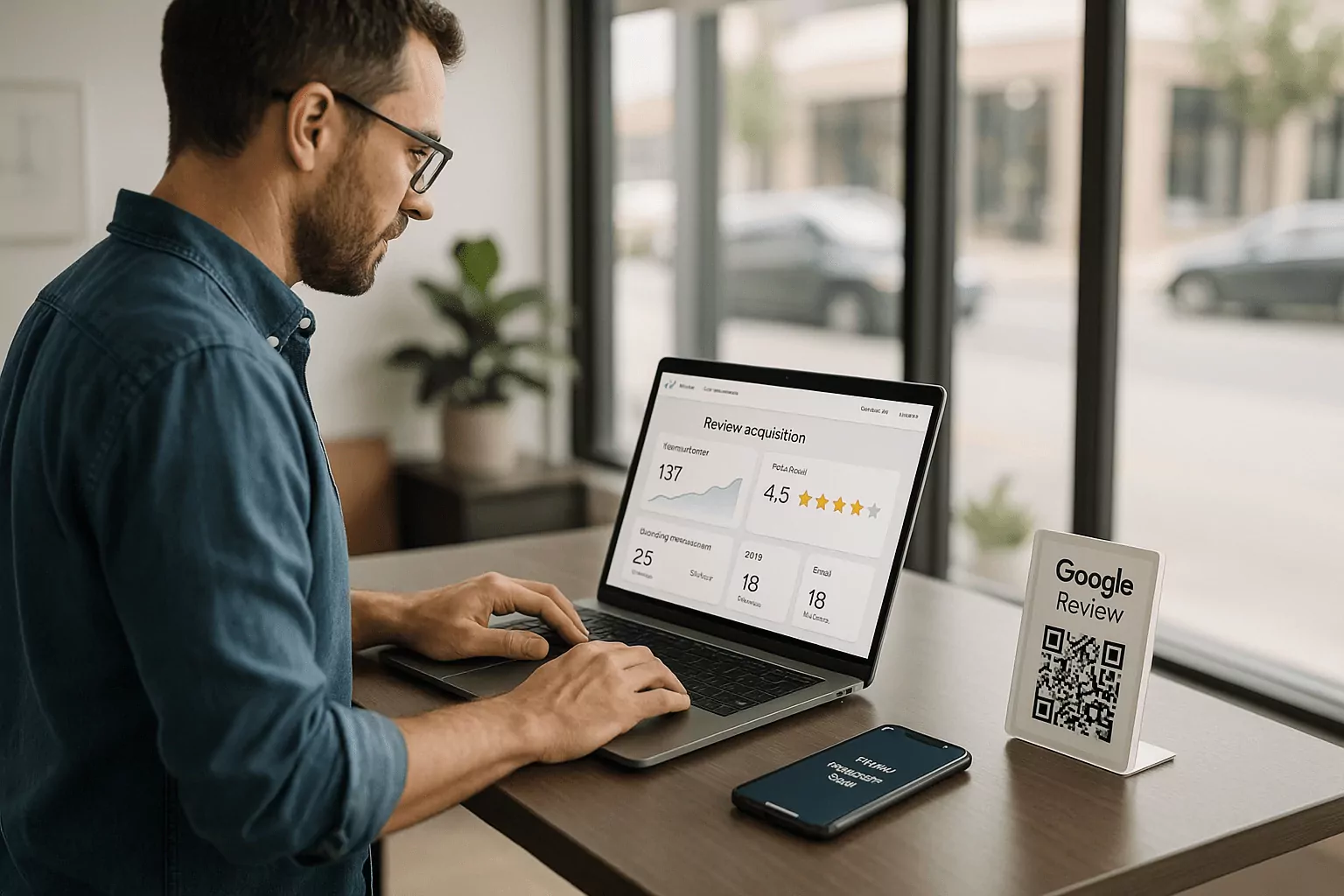
How Automated Google Review Acquisition Tools Work
What automated Google review acquisition tools actually do
Automated Google review acquisition tools replace manual follow-ups with smart, timed outreach that nudges happy customers to share feedback. They generate direct links to your Google Business Profile review form, reduce friction, and capture responses while the experience is fresh. The best automated review request tools coordinate email and SMS, sequence reminders, and stop messaging as soon as a review is posted. Under the hood, they map events like purchase, appointment completion, or ticket close to send logic. Combined with Google review management software, they track open rates, clicks, and submissions to reveal where your funnel leaks.
These systems also protect brand integrity by enforcing content rules, avoiding prohibited gating, and flagging sensitive responses for human review. Advanced workflows segment recent buyers from long-time members and vary tone to match intent. You can assign priorities to VIPs or high-value transactions so they get faster support and clearer directions. A connected reputation management platform centralizes feedback across locations, so insights are visible and actionable. The result is a scalable, policy-safe engine that continually earns fresh, high-quality reviews.
Key channels: email, SMS review request system, and QR codes
Email remains a dependable baseline with broad reach, rich formatting, and easy branding. An SMS review request system boosts speed, cutting through inbox noise and capturing on-the-go attention within minutes. QR codes printed on receipts, signage, or packaging close the loop for walk-in traffic where capture forms are impractical. Automated review request tools orchestrate these channels, testing send times, subject lines, and short links to maximize completion. When channels work together, you increase response rates without overwhelming customers.
Each channel serves a role and should be measured on its merits, not just aggregate totals. Email excels at context and compliance messaging, while SMS wins on immediacy and brevity. QR codes remove device friction at the point of experience, especially for events, retail, and hospitality. Pairing email with an SMS review request system ensures you have a fast first touch and a thoughtful follow-up. As performance data accrues, your Google review management software can rebalance channel mix by audience, location, and season.
How automated Google review acquisition tools sync with CRM
Syncing ensures every request is timely, relevant, and compliant with consent. Automated Google review acquisition tools connect to your CRM or POS to trigger outreach after key milestones like fulfilled orders or closed service tickets. Two-way data flow updates contact preferences, suppresses opted-out profiles, and logs responses to customer timelines. Google review management software then attributes reviews to campaigns, products, and agents, revealing what actually moves the needle. With reliable data, you can prioritize high-impact moments and reduce noise for customers.
Native integrations are ideal, but secure webhooks and middleware also work at scale. Map fields such as phone type, preferred language, and last interaction channel to personalize the ask. Validate phone and email status to protect sender reputation and keep deliverability high. A reputation management platform provides centralized permissions so marketing, operations, and support teams can collaborate safely. When your stack is unified, outreach feels natural and results compound month over month.
Selecting the Right Stack for Your Business
Must-have features in a reputation management platform
Your reputation management platform should centralize requests, reviews, and responses across every location and channel. Look for granular segmentation, multi-language templates, and flexible scheduling to match varied customer journeys. Unified inboxes and SLA timers help your team reply quickly to both public reviews and private messages. Role-based access controls and location scoping prevent cross-tenant mistakes and protect sensitive data. Deep reporting ties outputs to revenue, so you can defend budget and scale confidently.
Integrations define longevity, so prioritize platforms with robust APIs and a strong partner ecosystem. Native connections to Google review management software reduce setup time and keep data clean. Built-in consent management and automated suppression lists are essential for compliance at scale. Libraries of proven templates and industry benchmarks accelerate time to value for new teams. Finally, ensure mobile apps are strong, because field staff often capture moments that desktop users miss.
Comparing automated review request tools: speed, deliverability, and UX
Automated review request tools live or die on throughput and reach, so evaluate message speed, carrier reliability, and inbox placement. Inspect SMS throughput caps, sender ID options, and link tracking to validate your numbers. Email should support domain authentication, template partials, and device-aware rendering for consistent UX. The best systems make the path from prompt to posted review as short as possible, often one tap. When the click-to-review journey is simple, conversion rates rise and costs fall.
Usability matters for your staff too, not just customers. Can a manager launch a location-specific campaign in minutes without IT help? Does the dashboard surface failing automations before they impact customers? Pair automated review request tools with Google review management software so insights and actions live side by side. When staff adoption is high, your SMS review request system and email flows stay fresh and effective.
Security, permissions, and governance for multi-location teams
Multi-location organizations need tight guardrails to move fast without risk. Your reputation management platform should support granular roles, per-location visibility, and approval workflows for templates and campaigns. Central policies can standardize tone while allowing local context where it matters. Encryption in transit and at rest, plus rigorous key management, are table stakes for any customer system. Regular audits catch misconfigurations before they create compliance or brand issues.
Governance extends to data minimization and retention windows that align with policy and law. Build permission sets for marketing, service, and franchise operators with least-privilege access. Connect SSO for smooth onboarding and provisioning to avoid shadow accounts. Integrate incident response playbooks so sensitive reviews route to trained handlers quickly. With strong controls, Google review management software scales safely across all markets.
Implementation Playbook: From Setup to Scale
Build high-converting request templates and timing cadences
Great copy is specific, short, and human. Reference the exact service or product and set a clear expectation: a quick, honest review helps neighbors choose better. Keep links prominent, avoid jargon, and explain any incentives within policy boundaries. Test one variable at a time-subject line, send time, or CTA-so you learn what truly drives action. Use your Google review management software to visualize funnel steps and spot bottlenecks.
Cadence matters as much as copy. Send the first request within hours of the experience while memory is strongest, then add a respectful reminder a few days later. If your audience skews mobile, lean more on your SMS review request system and send during daytime breaks. Segment by satisfaction signals when available to avoid tone-deaf messaging. Over time, automated review request tools will surface the best-performing paths for each segment.
Automate routing and response with customer feedback automation
Customer feedback automation routes reviews by topic, sentiment, and location so the right person responds fast. Positive comments can trigger thank-you notes, referral nudges, or loyalty offers. Neutral or negative feedback should open tickets with clear SLAs, keeping issues private when possible. Your Google review management software can suggest response snippets that reflect brand voice and policy. This balance of speed and empathy turns risk into loyalty and advocacy.
Automation should never erase accountability. Assign owners, set due dates, and escalate when thresholds are missed. Track time-to-first-response and resolution rates alongside star ratings for a full performance view. Customer feedback automation also aggregates themes, revealing product or process fixes that prevent future issues. When loops close reliably, your reputation improves and staff morale climbs.
Training your staff to amplify every request offline
Technology works best when people prime the moment. Teach frontline teams to mention the upcoming message and why reviews matter for local visibility and trust. Provide cards with QR codes that point straight to the review form to capture in-the-moment intent. Encourage staff to celebrate great service stories; authentic pride motivates customers to share publicly. Small, consistent habits compound results across locations.
Coach teams on what not to do as well: never pressure, never gate, and never filter unfairly. Role-play conversations to keep the ask simple and respectful. Post clear guidance in break rooms and digital handbooks so new hires get it right from day one. Use your reputation management platform to spotlight top performers and share winning scripts. When humans and systems align, automated review request tools deliver outsized gains.
Measuring Impact and Staying Compliant
KPIs that prove ROI to stakeholders
Dashboards should translate activity into outcomes that leaders recognize. Track review volume, recency, average rating, and response time to show health. Layer in conversion metrics like calls, direction requests, and website clicks from your Google Business Profile. Attribute lifts in local pack rankings and revenue to specific campaigns where possible. Your Google review management software can tie these signals together for executive-ready reporting.
Benchmark each location against peers to set realistic targets and surface coaching opportunities. Monitor channel-level metrics to optimize your SMS review request system and email mix. Use cohort views to understand how first-time customers differ from loyal subscribers. Present ROI as cost per published review and incremental revenue per review to secure budget. With clear numbers, expanding your reputation management platform becomes a straightforward decision.
Compliance, consent, and Google policy guardrails
Respect for consent is non-negotiable and protects both customers and your brand. Maintain clear opt-in records for email and SMS, and honor opt-outs immediately across systems. Avoid any practice that filters or incentivizes only positive reviews, which violates platform rules. State laws may shape messaging windows and content for SMS, so coordinate with legal and carriers. Document your policies within the reputation management platform for training and audits.
Equip automated review request tools with suppression logic for recent complainers or ongoing cases. Include alternate feedback paths for sensitive issues so customers are heard without public escalation. Keep message frequency caps reasonable to avoid fatigue and complaint spikes. Review Google's guidelines regularly, as enforcement can change without much notice. With disciplined governance, compliance becomes a competitive advantage.
Continuous improvement loop: test, measure, scale
Optimization is a habit, not a project. Define quarterly hypotheses, run controlled tests, and promote winners to standard practice. Rotate creative elements, timing, and channel balance to prevent performance decay. Customer feedback automation will surface new opportunities as trends shift by season or product line. Document learnings inside your Google review management software so wins are shareable and repeatable.
As results prove out, expand coverage to more locations and service lines. Standardize base playbooks while keeping local flexibility where it matters. Keep vendors accountable with SLAs and regular performance reviews across your SMS review request system and email infrastructure. Ensure your reputation management platform evolves with your stack, especially as privacy rules tighten. A steady cycle of testing and scaling compounds gains year after year.
Frequently Asked Questions
Are automated Google review acquisition tools allowed by Google?
Yes, using automation to request reviews is permitted when you follow Google's policies and applicable laws. Do not gate reviews by sentiment or incentivize only positive feedback, which violates rules. Keep messaging respectful, transparent, and consent-based, especially for SMS and email. A reputable reputation management platform will include safeguards to prevent policy breaches. Pair automation with human oversight so sensitive issues route privately first. Document your approach in your Google review management software to train teams consistently.
What is the best time to send a review request via SMS or email?
Timing depends on your industry and customer patterns, but a fast first touch after service performs well. SMS often works best during daytime hours when customers can act quickly, while early evening email can capture desktop time. Use your SMS review request system for immediacy and your email channel for context and branding. Stagger reminders to avoid fatigue, and stop messages once a review is posted. Automated review request tools make it easy to A/B test timing across locations. Over time, your analytics within Google review management software will surface optimal windows by segment.
How do I integrate these tools with my CRM and POS?
Start by mapping events like purchase completion, appointment kept, or case resolution to trigger review workflows. Choose vendors with native integrations or robust APIs that support secure, two-way data sync. Validate consent flags and contact data to protect deliverability and compliance. Customer feedback automation can enrich profiles with sentiment and topics for smarter follow-up. Centralize governance in your reputation management platform with role-based access and audit logs. Test end-to-end flows before launch to confirm that targeting, timing, and suppression behave as expected.